
One design, consistent everywhere.
Move, resize, rotate, flip, reorder or hide layers. The editor, preview and exported model stay aligned.
2D3D3MF
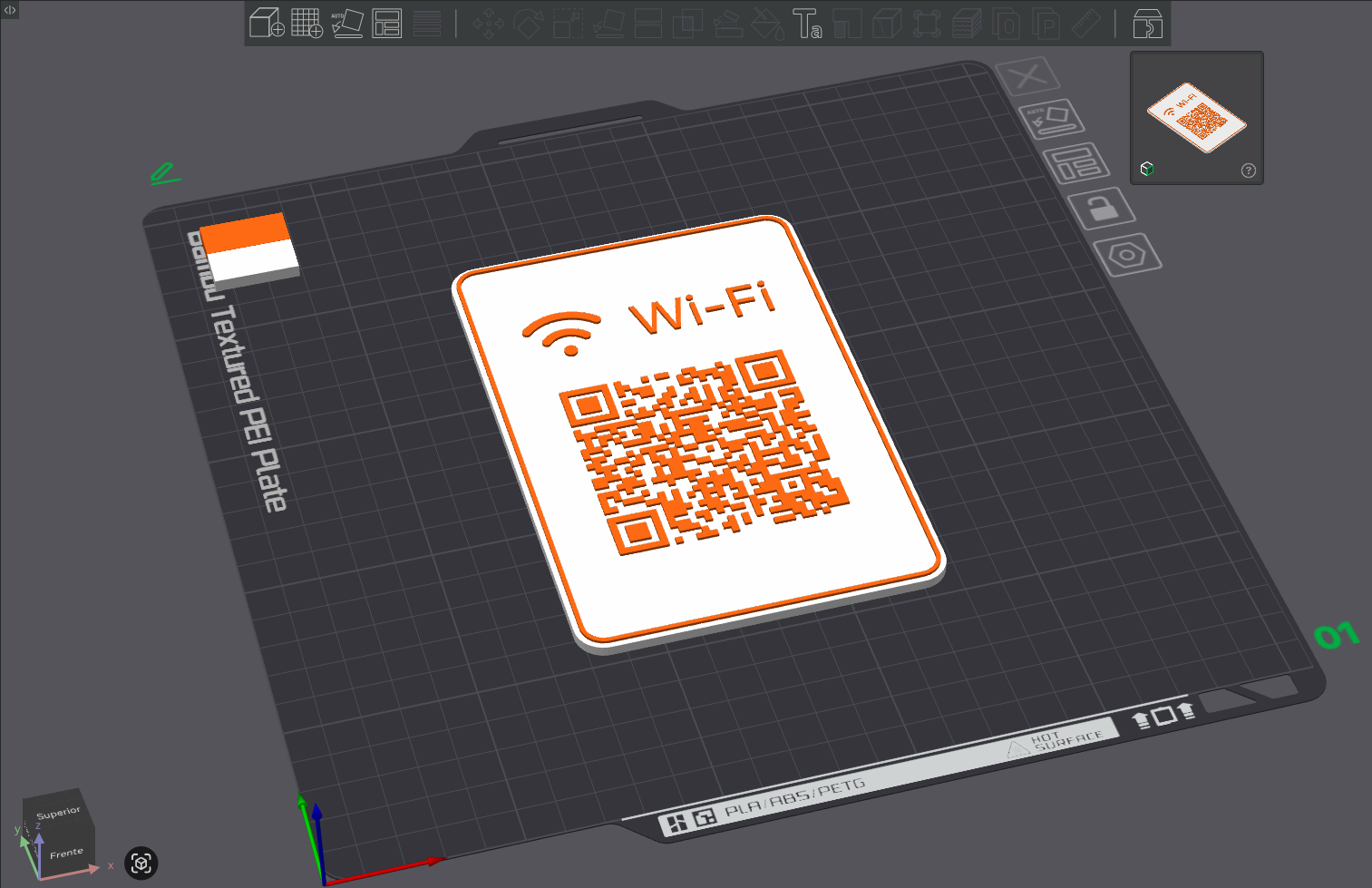
Create custom counter plaques with QR codes, typography, icons and vector artwork. Work visually in 2D, inspect the geometry in 3D, then export a colour-ready 3MF.
The 2D canvas is not just a mockup. Text contours, QR modules and vector paths become the same geometry used by the preview and export.
Move, resize, rotate, flip, reorder or hide layers. The editor, preview and exported model stay aligned.
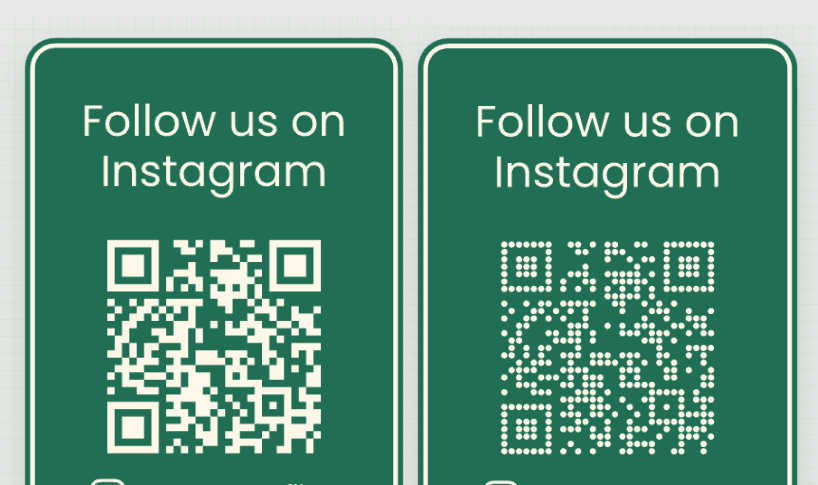
Choose correction level and Classic, Rounded or Dots modules without rasterising the code.
Combine expressive fonts, solid icons, transparent images, colours and board decorations.
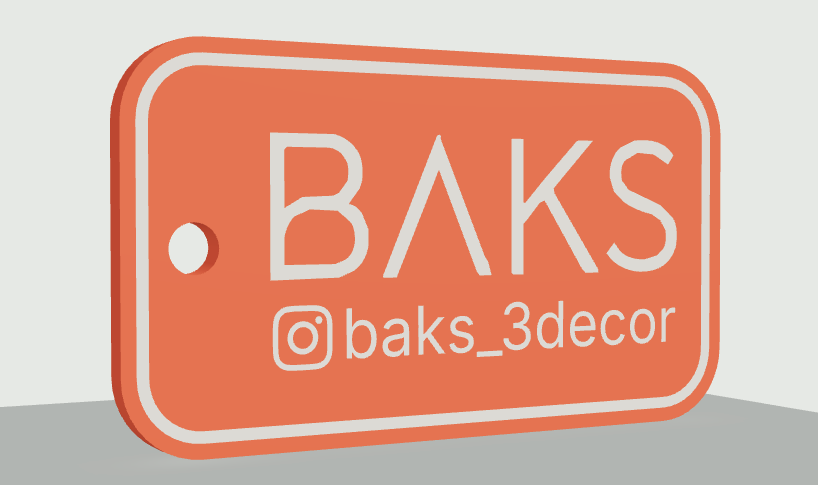
Arrange text, icons, images and generated QR codes on a board measured in millimetres.
Generate a clean 3D preview when you are ready and inspect raised or flush geometry.
Download a multi-part, multi-colour 3MF file ready to open in your slicer.
From physical dimensions to editable project files, every tool follows the same path from canvas to slicer.
Choose a preset or define the exact width, height, thickness and corner radius.
Use real font contours and solid vector icons that become clean printable geometry.
Choose correction level and Classic, Rounded or Dots modules without rasterising the code.
Choose raised details or flush colour inlays to match the finish you want.
Print only the front or mirror the artwork automatically on the back.
Keep editable project files and reopen them whenever you need.
Start with a template or define a board from scratch, then export when your design is ready.
Open editor