
01
Edit in 2D
Choose a model and adjust the text, colours, dimensions and positions.
Create custom wreaths, rings and ornaments. Edit text, colours and dimensions, check the 3D preview and export as 3MF.
QR Displays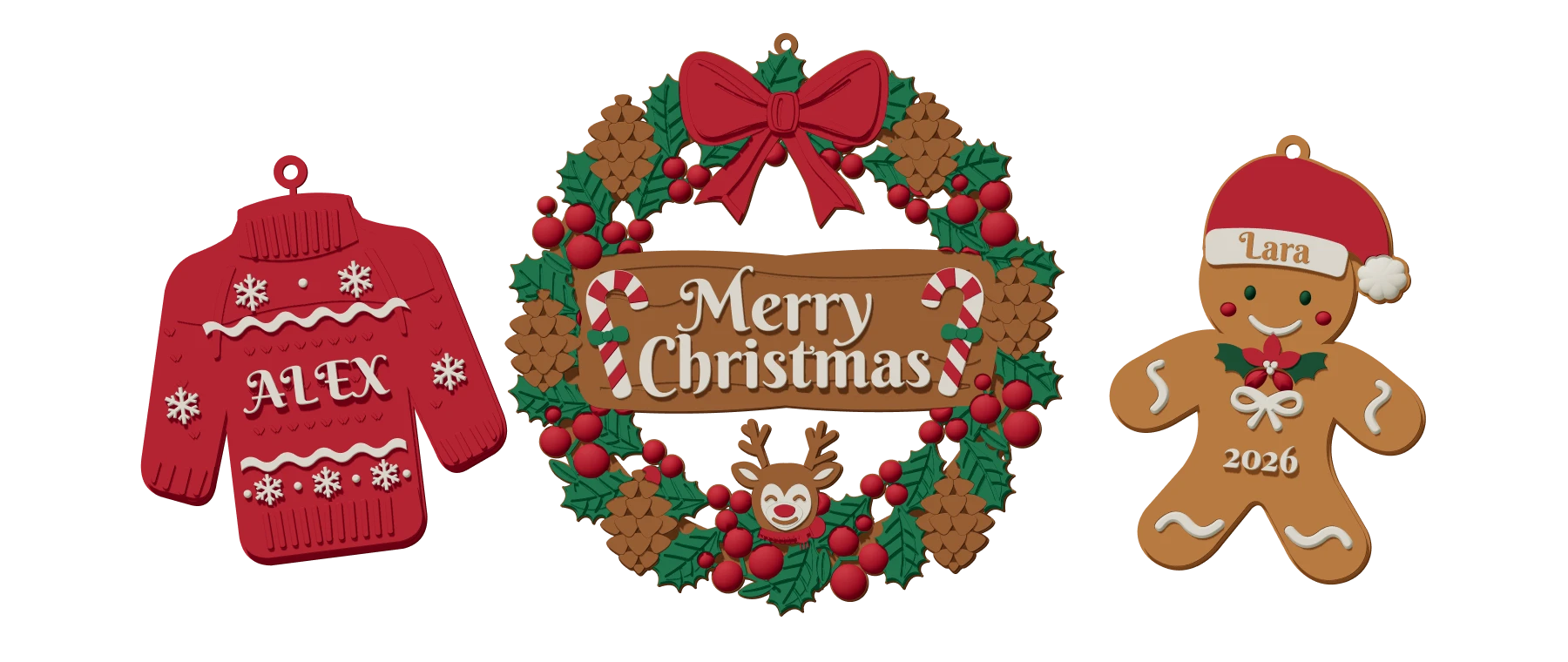
Choose a model to personalise.
Start with an empty ring. Add leaves, pinecones, bows and text. Each piece can be moved, rotated and resized.
Create wreath
Choose a model and adjust the text, colours, dimensions and positions.
Check the shape and details of your piece before exporting.
Open the file in your slicer and configure the filaments and print settings.
No. The editor lets you visually position, rotate and resize pieces without manual modelling.
Yes. Start with an empty ring or a ready-made model. Leaves, bows and ornaments are independent pieces that you can distribute around the ring and adjust individually.
Export the 3MF file and open it in your slicer, such as Bambu Studio or OrcaSlicer. Assign colours to filaments and check the orientation, supports and printer settings before printing.
Yes. Projects are saved automatically in this browser. You can also export an editable project to keep a copy or open it on another computer. Clearing browser data may remove locally saved projects.